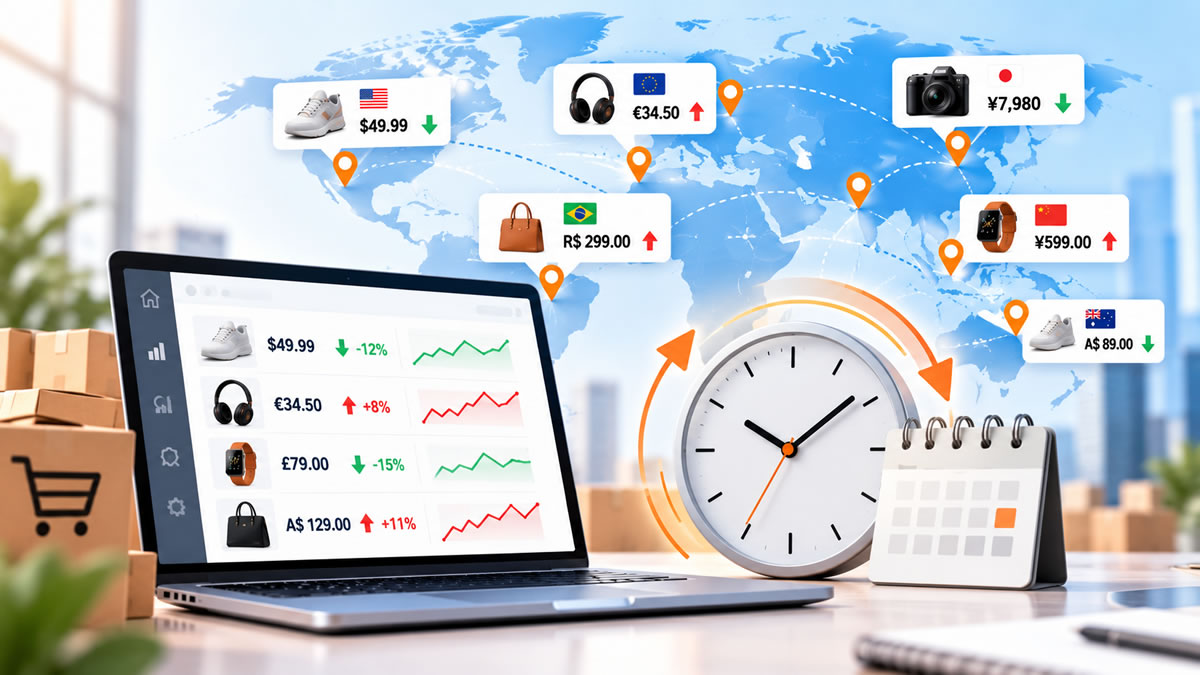
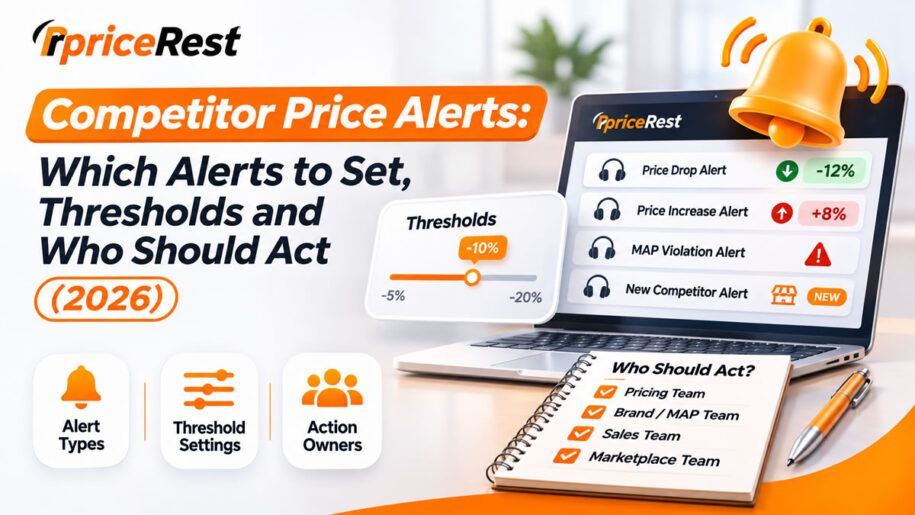
A competitor price alert tells you when a market change needs your attention. Typical triggers are:
- a competitor cuts or raises a price;
- you lose the cheapest position;
- a cheaper competitor runs out of stock;
- a reseller goes below MAP;
- you lose the Buy Box.
Good alerts are filtered by four things:
- Size: for example, changes of 5 percent or more.
- Duration: changes that last more than a day or two.
- Stock: in-stock offers only.
- Scope: best sellers and main competitors.
Each alert goes to the person who acts on it. Use instant alerts for the few changes that need action the same day, and a daily summary for everything else.
Source: PriceRest 2026 price change study, 522,878 daily prices from 261 online stores and marketplaces in 24 countries.
Basics
What is a competitor price alert?
A competitor price alert is a notification from price monitoring software when a competitor, reseller or marketplace offer changes in a way you defined in advance. Examples are a price cut, a price increase, a stock change or a new seller. It turns thousands of daily price checks into the few changes that need a decision.
Business price alerts are different from the price drop alerts shoppers use. A shopper wants to know when one product gets cheaper. A business wants to know when its position in the market changes. That usually means comparing every competitor offer with your own price, your cost and your rules, not just watching one price.
Alerts depend on clean data. A wrong product match or an out-of-stock offer produces false alerts. The setup behind the data is covered in our price monitoring guide.
12 alerts worth setting
Most businesses need only some of these twelve alerts. Retailers focus on price and stock alerts. Brands focus on MAP and unauthorized seller alerts. Marketplace sellers focus on Buy Box alerts.
| Alert | Triggered when | Who needs it | Typical action |
|---|---|---|---|
| 1. Competitor price cut | An in-stock competitor lowers its price by more than your threshold | Retailers | Check duration and stock, then decide within your floor price |
| 2. Competitor price increase | A competitor raises its price | Retailers | Follow part of the increase to recover margin |
| 3. Lost cheapest position | You are no longer the lowest in-stock price on a key product | Retailers with price leadership items | Match or hold, depending on the product role |
| 4. Cheapest by a wide margin | You are more than a set percent below the next in-stock price | Retailers | Raise towards the next price in small steps |
| 5. Competitor out of stock | A cheaper competitor shows the product as unavailable | Retailers, marketplace sellers | Hold or raise slightly while they are out |
| 6. Competitor back in stock | The same competitor has the product again | Retailers, marketplace sellers | Return to your normal pricing rule |
| 7. Promotion started | A crossed-out price appears on a competitor offer | Retailers, marketing teams | Log the promotion and plan a response |
| 8. New seller | A seller you have not seen before offers your product | Brands, marketplace sellers | Check who the seller is |
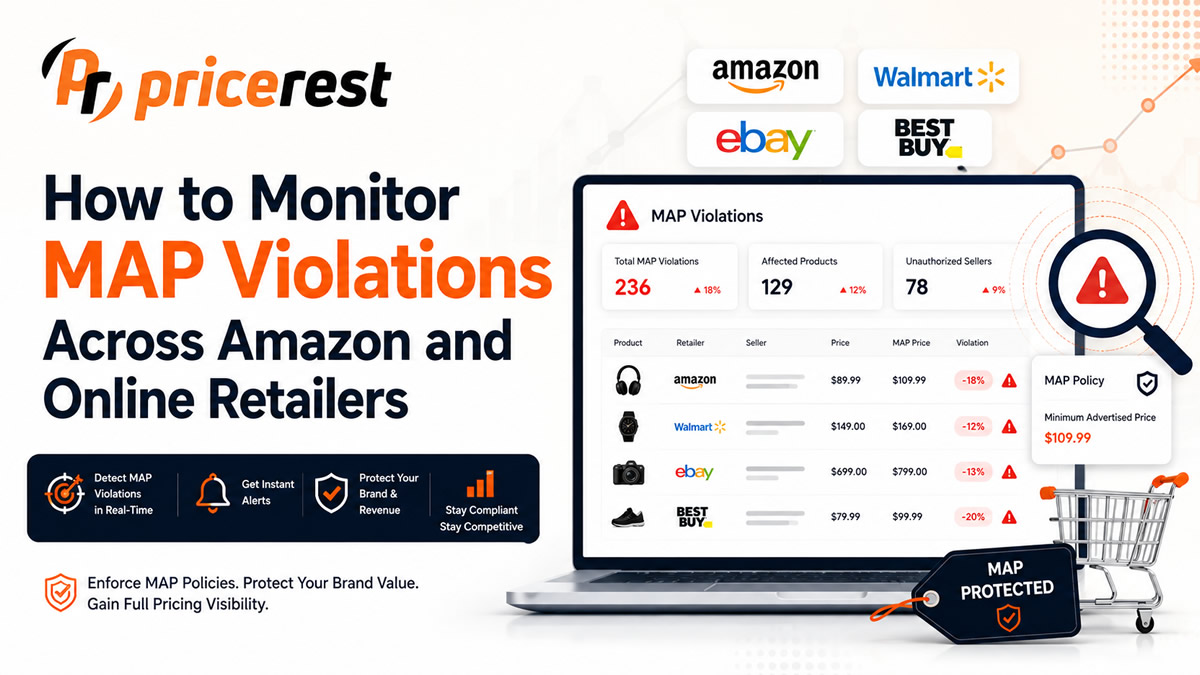
| 9. MAP violation | A reseller advertises below the minimum advertised price | Brands and manufacturers | Contact the reseller under your MAP policy |
| 10. Unauthorized seller | A seller outside your authorized network appears | Brands and manufacturers | Check sourcing and distribution agreements |
| 11. Lost Buy Box | Another seller wins the featured offer on a marketplace listing | Marketplace sellers | Reprice within your floor or improve delivery |
| 12. Your price changed | A dynamic pricing rule updated one of your prices | Anyone using automated repricing | Review that rules behave as intended |
Brands can find more on alerts 8 to 10 in how to monitor MAP violations. Marketplace sellers can read the Amazon price tracker.
Configuration
How to set alert thresholds
An alert threshold has four filters:
- Size: how big the change is, in percent or money.
- Duration: how long it has lasted.
- Stock: whether the offer can actually be bought.
- Scope: which products and competitors count.
Without these filters, alerts report every small move and nobody reads them.
- Size. In our study, one in three price changes was smaller than 5 percent. A 5 percent threshold removes much of the noise on most products. On key items, 2 or 3 percent may matter.
- Money as well as percent. On cheap items, a percent threshold fires on tiny amounts. Add a minimum change, such as 1 dollar.
- Duration. 56 percent of price cuts were reversed within 14 days. Alerting only on cuts that last 24 to 48 hours avoids reacting to flash promotions.
- Stock. Alert only on in-stock offers. An out-of-stock competitor at a lower price is not a threat.
- Scope. Limit instant alerts to best sellers and your main competitors. Report the rest in a daily summary.
| Product role | Size threshold | Duration | Delivery |
|---|---|---|---|
| Key value items | 2 to 3 percent | Immediately | Instant alert |
| Core range | 5 percent | 24 to 48 hours | Daily summary |
| Long tail | 10 percent | 48 hours or more | Daily or weekly summary |
| MAP-protected products, for brands | Any amount below MAP | Immediately | Instant alert to the channel team |
| Marketplace Buy Box listings | Any loss of the Buy Box | Minutes | Instant alert or automatic repricing |
Instant alerts vs daily summaries
Instant alerts are for changes that need action the same day. A daily summary is for everything that can wait until tomorrow morning. Most teams need a few instant alerts and one good daily email.
| Instant alerts | Daily summary | |
|---|---|---|
| Best for | Key items, Buy Box, MAP violations, campaign days | Core range, long tail, trends and reporting |
| Volume | A handful per day | One email or report per day |
| Risk | Alert fatigue if thresholds are loose | Too slow for fast-moving products |
| Typical reader | The person who changes the price | Category managers and the pricing team |
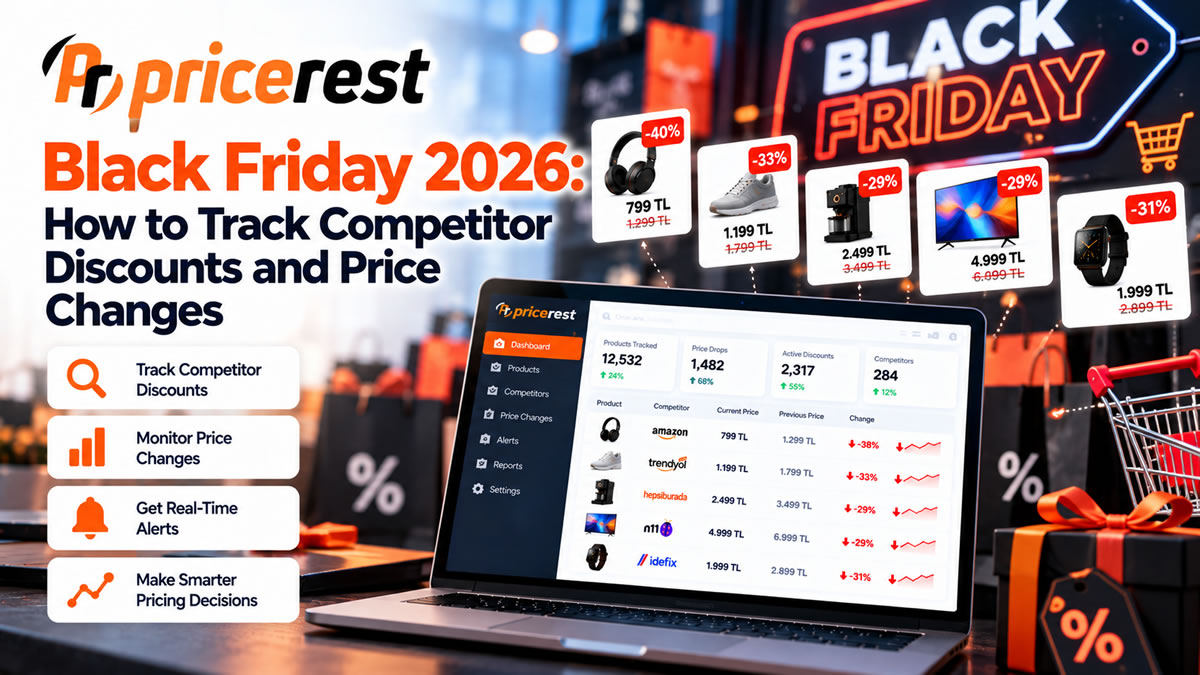
During Black Friday and other campaign periods, move key products to instant alerts for the duration of the campaign. See how to track competitor discounts on Black Friday.
Who should receive which alert
Send each alert to the person who can act on it. An alert that goes to everyone is read by no one.
| Role | Alerts to receive |
|---|---|
| Pricing manager | Price cuts and increases on key items, lost cheapest position, repricing activity |
| Category managers | Daily summary for their categories, promotions started, stock changes |
| Marketplace team | Lost Buy Box, new sellers on your listings |
| Brand and channel team | MAP violations, unauthorized sellers, new sellers |
| Management | A weekly report with the price index and MAP compliance, not individual alerts |
How to avoid alert fatigue
Alert fatigue starts when people get more alerts than they can act on. Then they stop reading them, including the important ones. The fix is fewer, better-filtered alerts, each with a clear owner and action.
A quick calculation shows why filters matter. Take 1,000 products tracked against 10 competitors, which is 10,000 offers. In our study, products changed price 1.6 times per 30 days on average. That is about 16,000 changes a month, or more than 500 a day.
Now apply three filters:
- alert only on changes of 5 percent or more, which keeps about two thirds;
- alert only on the 20 percent of products that are best sellers;
- alert only on your 5 main competitors.
That leaves about 36 alerts a day, before duration and stock filters cut it further.
- Every alert needs an action. If nobody would do anything, turn the alert off or move it to the summary.
- Review thresholds monthly. If an alert is ignored most of the time, its threshold is too loose.
- Group related changes. One summary per competitor or category is easier to act on than dozens of single emails.
- Automate the routine. When the response is always the same, let a dynamic pricing rule handle it within your limits, and keep alerts for exceptions.
From alert to action
An alert is only useful if the response is agreed in advance. Write a short playbook: for each alert type, what to check first, what to do and the limit you never cross.
- Confirm the data. Open the competitor offer and check that it is the same product, variant and pack size, and that it is in stock.
- Check the context. Look at the price history. Is this a repeating promotion, a one-day mistake or a new price level?
- Apply the rule. Hold, match, raise or contact the reseller, always within your floor and ceiling prices.
- Record the decision. Note what you did, so you can see later whether it paid off.
The full set of pricing rules is explained in pricing strategy with price monitoring. For the question of whether to follow a cheaper competitor, read should you lower your price?.
How to set up competitor price alerts in 5 steps
Set up alerts after your products are matched and the data has run for a week. You then know how often your market moves before you decide what deserves an alert.
- Watch first. Run monitoring for about a week without alerts to see how often prices and stock change in your categories.
- Pick the alert types. Choose from the twelve above the ones that match your goals, usually three to five.
- Set thresholds by product role. Tight thresholds for key items, looser ones for the long tail, and stock and duration filters everywhere.
- Route alerts to owners. Decide who receives each alert and whether it is instant or in the daily summary.
- Review after a month. Turn off alerts nobody acted on and tighten or loosen thresholds based on what was useful.
PriceRest
Alerts and notifications in PriceRest
PriceRest sends daily notification emails on every plan and instant notifications on Professional and Premium. Alerts cover competitor price and stock changes, MAP violations and unauthorized sellers. Scheduled reports, repricing activity notifications and Excel exports cover the rest.
- Daily notifications. A daily email with the price and stock changes that matter, on every plan.
- Instant notifications. Instant price checks and alerts on Professional and Premium, for products where hours count.
- MAP and unauthorized seller alerts. Price violation alerts with seller, price, date and listing link, and unauthorized seller detection on every plan.
- Buy Box mode. Checks Amazon, Trendyol and Hepsiburada every 5 minutes through their official APIs and can reprice within your limits.
- Repricing activity notifications. A record of every price your dynamic pricing rules changed.
- Reports and exports. Scheduled pricing reports and Excel exports for the daily or weekly review.
Alerts work on data from 2,500+ online stores in 64 countries, Google Shopping and 20 Amazon marketplaces. Plans start at $49 per month with a 14-day free trial. See the pricing page.
FAQ
Frequently asked questions
What is a competitor price alert?
A competitor price alert is a notification from price monitoring software when a competitor offer changes in a way you defined, such as a price cut, a price increase, a stock change or a new seller, so you can decide whether to act.
How do I get alerts when a competitor changes its price?
Use price monitoring software. Add your products, let it match them with competitor listings, then set alerts for price changes above a threshold on the products and competitors that matter. The software checks prices on a schedule and notifies you of changes.
What threshold should I use for price alerts?
Around 5 percent works for most products, 2 to 3 percent for key items customers compare closely, and 10 percent for the long tail. Add a minimum amount in money for cheap items and alert only on in-stock offers.
Should I use instant alerts or a daily summary?
Use instant alerts for key items, Buy Box listings, MAP violations and campaign periods. Use a daily summary for the rest of the catalog. Most teams need a few instant alerts and one daily email.
How do I avoid too many price alerts?
Filter by size, duration, stock and scope. Alert only on changes above a threshold that last a day or more, on in-stock offers, for best sellers and main competitors. Turn off any alert nobody acts on.
Can I get alerts when a competitor runs out of stock?
Yes, if your price monitoring software reads stock status together with price. A stock alert on a cheaper competitor is a signal to hold or raise your price while they are out, and a back-in-stock alert tells you to return to normal.
Can price alerts detect MAP violations?
Yes. When you add the minimum advertised price for each product, the software alerts you to every reseller offer below it. In PriceRest the alert includes the seller name, price, date and a link to the listing.
Should I react to every competitor price cut?
No. In our 2026 study, 56 percent of price cuts were reversed within 14 days. Check stock, the size of the cut and how long it has lasted, and decide within your floor price.
How often are competitor prices checked for alerts?
Most tools check daily. PriceRest checks daily on every plan, offers instant checks on Professional and Premium, and checks the Buy Box on Amazon, Trendyol and Hepsiburada every 5 minutes.
Are business price alerts the same as shopper price drop alerts?
No. Shopper alerts watch one product for a lower price. Business alerts compare every competitor offer with your own price, cost and rules, and cover increases, stock, sellers and MAP as well as drops.
Get alerted only when it matters
Competitor price and stock alerts, MAP violations and unauthorized sellers across 2,500+ stores in 64 countries. 14-day free trial, no credit card required.
Start Free Trial