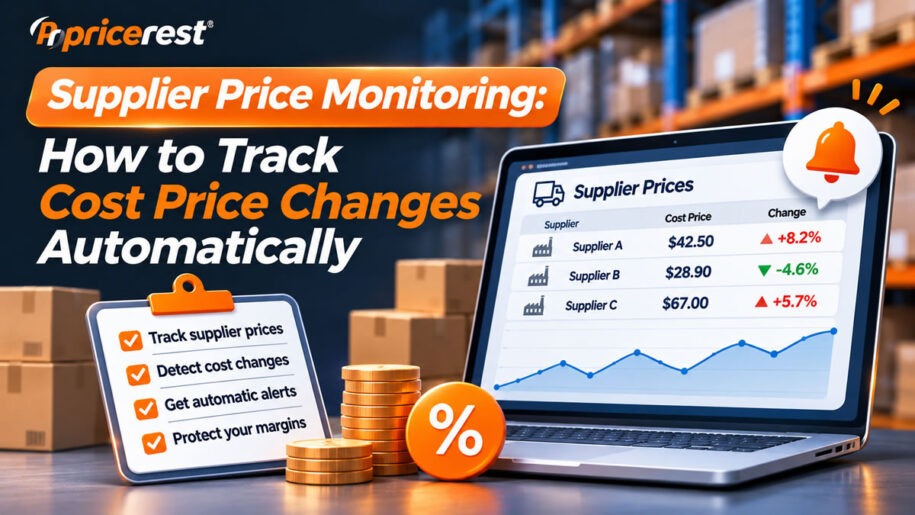
Supplier price monitoring is the automated tracking of what your suppliers charge you: the prices in their B2B portals, distributor webshops and price lists, together with stock and lead times. To track cost price changes automatically, map every supplier SKU to your own products, collect supplier prices daily (logging in where prices are behind a login), convert them to a landed cost, and set alerts that update your price floors when costs move. The payoff is margin protection: at a 20% gross margin, a 5% cost increase that you miss removes 20% of your gross profit on that product. Combine supplier prices with competitor prices to decide whether to pass an increase on, absorb it, switch supplier or renegotiate.
Worked example: selling price $100, cost $80, cost rises to $84. The rule of thumb: at margin m, a cost increase of c cuts gross profit by c × (1 − m) ÷ m, so at a 20% margin every 1% of cost costs you 4% of profit.
The basics
What is supplier price monitoring?
Supplier price monitoring, also called cost price monitoring, is the ongoing tracking of the prices your suppliers, distributors and wholesalers charge you for the products you resell, so that changes in your cost are seen the day they happen instead of when the invoice arrives.
Competitor price monitoring looks outward at what customers pay elsewhere. Supplier price monitoring looks at the other side of the margin: what you pay. Retailers need both, because margin is simply the gap between the two.
| Competitor price monitoring | Supplier price monitoring | |
|---|---|---|
| Question it answers | Is my selling price competitive? | Is my cost still what I think it is? |
| Sources | Online stores, marketplaces, Google Shopping | Supplier B2B portals, distributor webshops, price lists, business marketplaces |
| Prices | Public retail prices, usually with tax | Net trade prices, tiers, currencies, often behind a login |
| Main action | Adjust selling price | Adjust price floor, switch supplier, renegotiate |
Why supplier costs change more often
Supplier prices used to change with an annual price list. Today they move with currencies, tariffs and duties, raw material and freight costs, and the supplier’s own promotions and stock levels, and many suppliers update prices in their portals without sending a new list.
- Currency moves. Suppliers that price in another currency change your cost every day, even when their list price stays the same.
- Tariffs and duties. Changes in import duties feed through to distributor prices, often with little notice.
- Raw materials and freight. Input and shipping costs move supplier prices up or down during the year.
- Supplier promotions. Temporary trade discounts are easy to miss, and so is the day they end.
- Stock-driven pricing. Distributors raise prices when stock is short and cut them to clear excess stock.
The margin math of a missed cost increase
A small cost increase removes a large share of profit. At a 20% gross margin, each 1% rise in cost removes 4% of gross profit, so a 5% increase removes 20% of the profit on that product until you react.
| Cost increase | New cost | Gross profit per unit | Price to keep 20% margin | Price to keep $20 profit |
|---|---|---|---|---|
| +2% | $81.60 | $18.40 (−8%) | $102.00 (+2%) | $101.60 (+1.6%) |
| +5% | $84.00 | $16.00 (−20%) | $105.00 (+5%) | $104.00 (+4%) |
| +10% | $88.00 | $12.00 (−40%) | $110.00 (+10%) | $108.00 (+8%) |
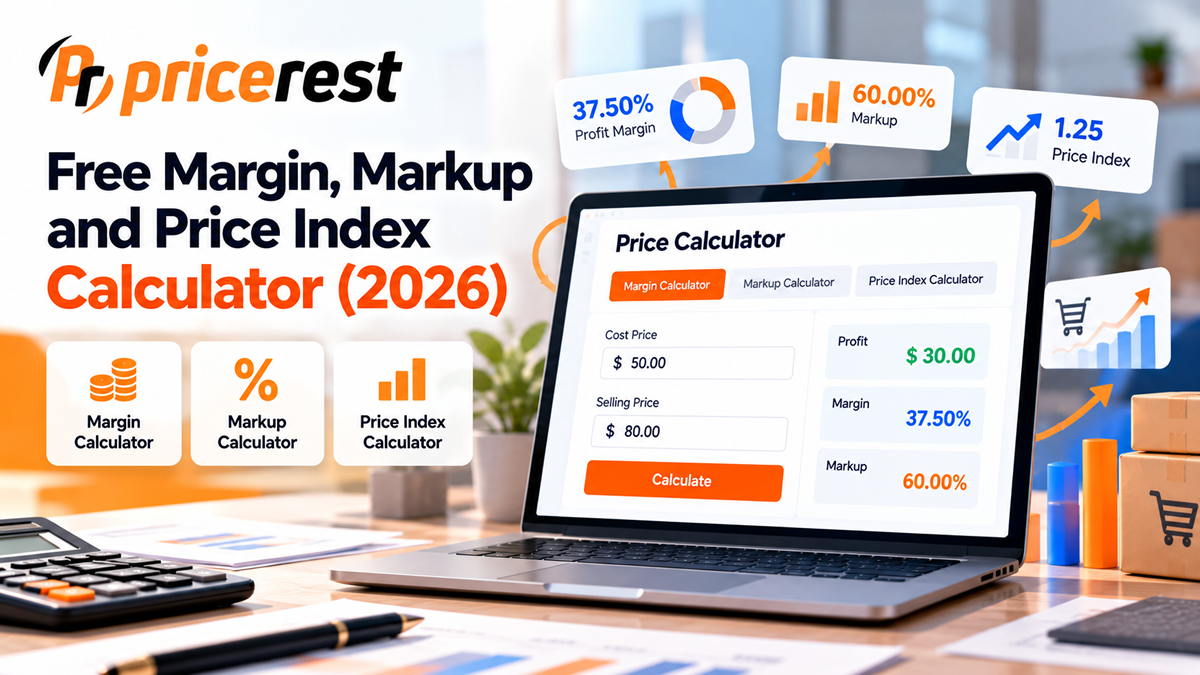
Starting point: selling price $100, cost $80. The lower your margin, the larger the effect: at a 10% margin, a 5% cost increase removes 45% of gross profit. Try your own numbers in our margin and markup calculator.
Where supplier prices live
| Source | How prices are shown | How to monitor |
|---|---|---|
| Supplier B2B portals | Net price for your account after login, often with stock and lead time | A monitoring tool that logs in with your account |
| Distributor and wholesale webshops | Trade prices after login, tiered by quantity | Same, per quantity tier |
| Price list files | Excel, CSV or EDI files sent by email or downloaded | Import and compare each new list with the last one |
| Business marketplaces | Business-only prices and quantity discounts for signed-in buyers | Login-capable monitoring |
| Manufacturer price lists | Recommended retail prices and dealer prices | Track list changes and their dates |
Most of these prices sit behind a login, which is why ordinary price monitoring tools miss them. Our guide to monitoring B2B and dealer prices behind a login covers access, tiers and the legal rules in detail.
How to do it
How to track cost price changes automatically in 7 steps
- List your suppliers and the products you buy from each, including alternative suppliers for the same products.
- Map supplier SKUs to your products with GTINs, manufacturer part numbers and titles, because every supplier uses its own article numbers.
- Set up access: a login for each portal your business is entitled to use, and an import for suppliers that only send files.
- Decide what to capture: net unit price, quantity tier, currency, pack size, stock, lead time and any trade promotion end date.
- Check daily, and more often for fast-moving or currency-sensitive products. Keep the load on supplier portals low.
- Set alert thresholds, for example any cost increase of 2% or more, any supplier going out of stock, or a cheaper supplier appearing.
- Connect cost to pricing: recalculate your price floor from cost and minimum margin, so automated pricing never sells below cost.
From supplier price to landed cost
The supplier’s price is only part of your cost. Compare suppliers and set price floors on landed cost: the supplier price plus everything it takes to get the product into your stock.
- Currency conversion at the current exchange rate, if the supplier prices in another currency.
- Freight and handling per unit, which can differ by supplier and order size.
- Duties and tariffs for imported goods.
- Payment terms: a slightly higher price with 60-day terms can beat a lower price paid upfront.
- Minimum order quantity: a cheaper price you can only get by buying a pallet ties up cash and space.
Cost up: pass on, absorb, switch or renegotiate?
The right reaction to a cost increase depends on what your competitors and other suppliers do. That is why supplier price monitoring works best together with competitor price monitoring.
| Situation | Likely reaction |
|---|---|
| Your cost is up and competitors’ prices are up too | Pass the increase on; the whole market is moving |
| Your cost is up, competitors have not moved | Check other suppliers first, then decide whether to absorb part of it or renegotiate |
| Your cost is up, another supplier is cheaper and in stock | Switch, or use the quote to renegotiate |
| Your cost is down | Keep the extra margin, or lower your price if it wins volume against competitors |
| A competitor drops below your new cost | Do not follow below your floor; check whether they have a better supplier or are clearing stock |
For the competitor side of the decision, see your competitor is cheaper: should you lower your price? and dynamic pricing with price floors.
Using the data with suppliers
- Show the history. A dated record of every price change makes it easier to question an increase or ask for advance notice.
- Compare suppliers on landed cost, not on list price.
- Track promotions, so you can buy ahead before a trade discount ends.
- Watch retail prices for the same products. If the market price is falling while your cost rises, you have a strong case for support from the supplier.
- Keep supplier data confidential. Your trade prices are commercial information; never share them with competitors.
Common mistakes
- Waiting for the invoice to discover a price increase.
- Comparing different quantity tiers or pack sizes between suppliers.
- Ignoring currency, so the cost in your own currency is out of date.
- Using list price instead of landed cost to compare suppliers.
- Setting price floors once and never updating them when costs move.
- Losing portal access silently when a password changes, so the data stops without anyone noticing.
PriceRest
How PriceRest helps
PriceRest logs in to supplier and distributor portals with accounts you are allowed to use, tracks the prices those accounts see, and combines them with competitor prices from more than 2,500 online stores in 64 countries, 20 Amazon marketplaces and Google Shopping, so cost and market move on the same screen.
- Login-protected prices. Supplier portals, distributor and wholesale webshops, and business accounts.
- Product cost monitoring. Your cost per product next to competitor prices, so margin changes are visible.
- Currency conversion. Supplier prices in other currencies are converted at current exchange rates.
- Matching. Supplier article numbers are matched to your products with barcodes, MPN, product codes, titles and AI image recognition.
- Alerts and history. Daily and instant notifications, full price and stock history and Excel export.
- Dynamic pricing. Rules with minimum and maximum prices, so a cost increase raises your floor automatically.
See dynamic pricing software and the PriceRest overview for all capabilities.
FAQ
Frequently asked questions
What is supplier price monitoring?
Supplier price monitoring is the ongoing tracking of the prices your suppliers, distributors and wholesalers charge you, including stock and lead times, so that changes in your cost are seen when they happen instead of when the invoice arrives.
How do I track supplier price changes automatically?
Map supplier SKUs to your products, give a monitoring tool access to supplier portals and price lists, collect prices daily, convert them to landed cost and set alerts for increases above a threshold, for example 2%.
Can supplier prices behind a login be monitored?
Yes, with a tool that supports login. PriceRest can log in to supplier and distributor portals with an account your business is allowed to use and collect the prices that account sees. Always follow each portal’s terms of use.
How much profit does a cost increase cost?
At margin m, a cost increase of c cuts gross profit by c times one minus m, divided by m. At a 20% margin, each 1% of extra cost removes 4% of gross profit, so a 5% increase removes 20%.
Should I pass supplier price increases on to customers?
Usually yes when competitors are raising prices too. If competitors have not moved, first check other suppliers and renegotiate, then decide whether to absorb part of the increase. Never price below your cost floor to follow a competitor.
What is landed cost?
Landed cost is the full cost of getting a product into your stock: the supplier price plus currency conversion, freight, handling, duties and tariffs. Comparing suppliers on landed cost avoids choosing a cheaper list price that ends up more expensive.
How often should supplier prices be checked?
Daily is enough for most supplier price lists. Products priced in a foreign currency or affected by fast-moving raw material costs may need more frequent checks.
What is the difference between supplier and competitor price monitoring?
Competitor price monitoring tracks what customers pay at other sellers. Supplier price monitoring tracks what you pay your suppliers. Your margin is the gap between the two, so retailers need both.
How do supplier prices connect to dynamic pricing?
Your price floor should be your current cost plus your minimum margin. When supplier monitoring detects a cost increase, the floor rises, so automated repricing never sells below cost.
Which tools monitor supplier prices?
You can compare supplier price list files in spreadsheets, build an in-house scraper, or use a price monitoring platform that supports login-protected sites, such as PriceRest, which tracks supplier and competitor prices together.
See cost and market on one screen
Supplier portal prices behind a login, competitor prices from 2,500+ online stores and 20 Amazon marketplaces, product cost monitoring and dynamic pricing with price floors. 14-day free trial, no credit card required.
Start Free Trial